Quotes that write themselves, then check what you forgot
Talk through the job or snap a photo. TradeQuote turns it into quote lines, you set the prices, and it checks for the extras you’d normally charge for before the customer sees a thing.
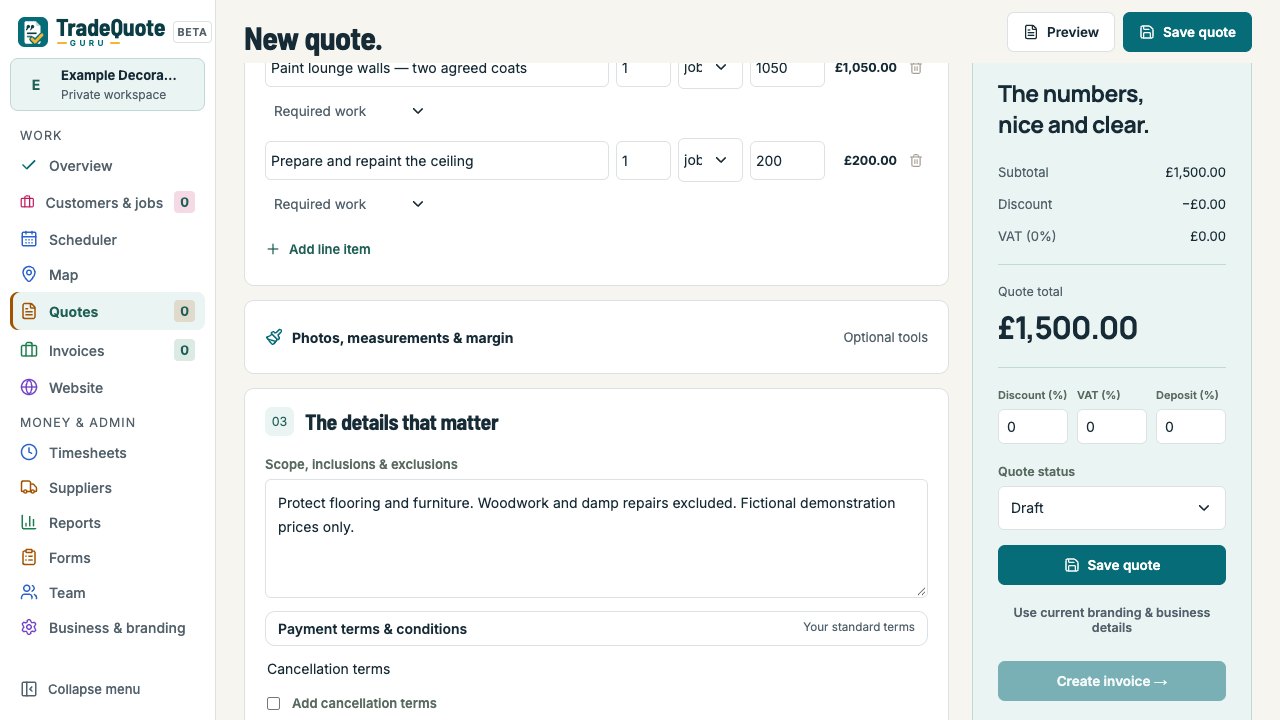
Stand in the customer’s front room or sit in the van and describe the job in your own words. TradeQuote drafts the quote lines from what you said or from up to four photos.
The AI does the typing. It never decides what you charge: you set every price.
100 AI assists and 60 minutes of transcription a month
Edit, reorder or delete any line before it goes
Your prices, your trade’s numbers
Each trade starts with its own templates, rate book and calculators, and you change them to match how you price.
A brick wall works out at 1,134 bricks. A fence run at 6 panels and 7 posts. A patio at 9 tonnes of sub-base. No more sums on the back of an envelope.
A check before every send
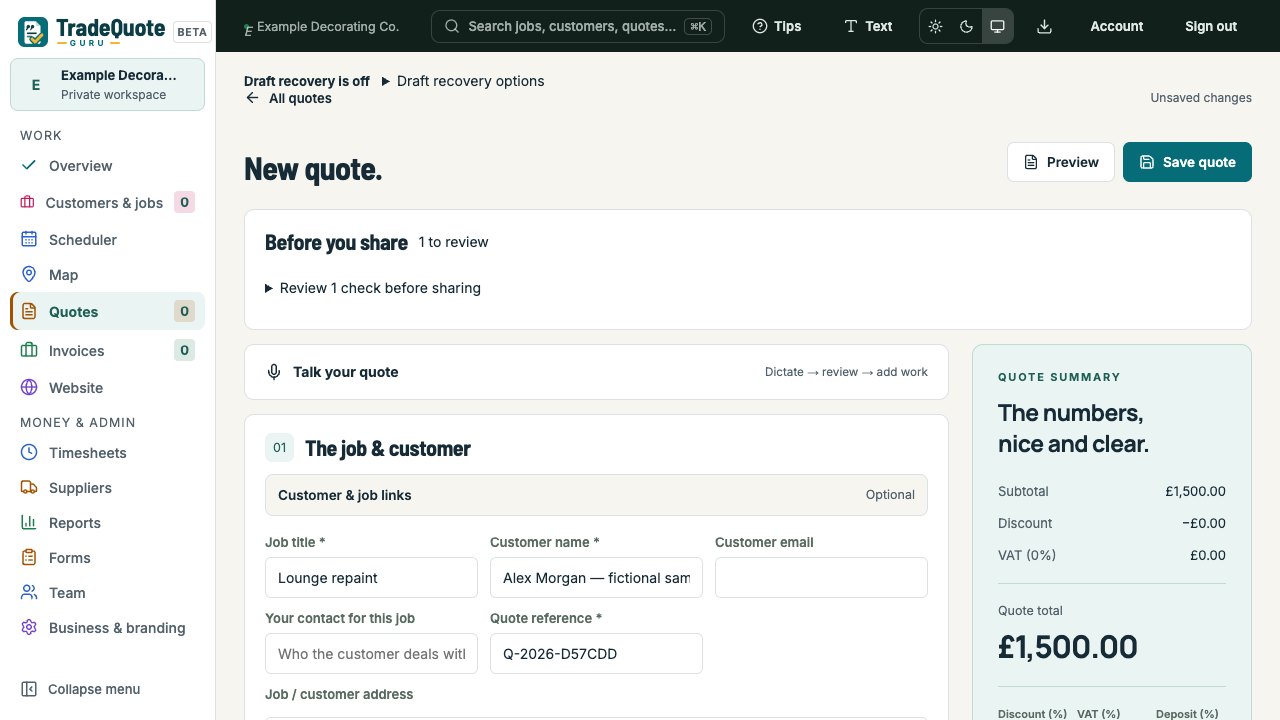
Before a quote goes, TradeQuote reads it back for the extras your trade usually charges for: the dust sheets, the undercoat, the skip, the tanking, the access. It also flags a price that’s far from what you normally charge.
You decide whether to add anything. It just stops you giving work away by accident.
Three prices, one tap to accept
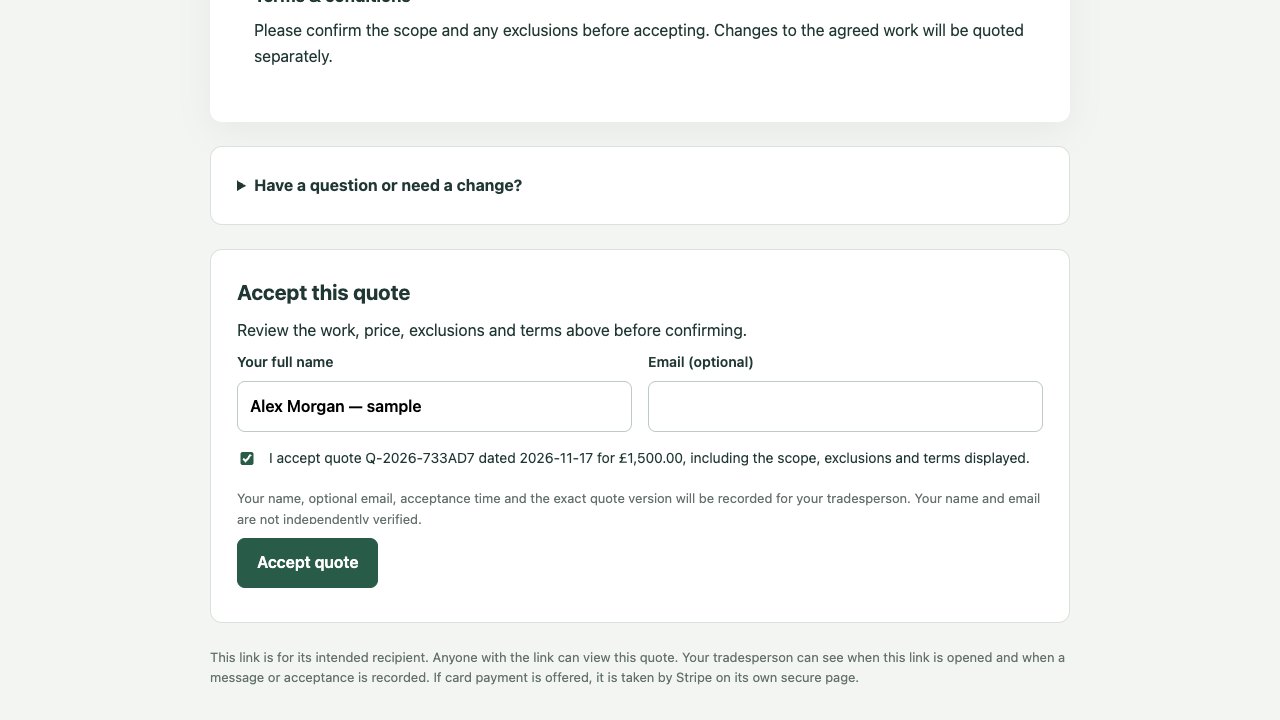
Offer basic, standard and premium, or whatever suits the job. Send it by WhatsApp, text or email as a link, not a PDF.
Your customer opens it on their phone, ticks the option they want and accepts. Acceptance is recorded against the exact version they saw, with your cancellation terms agreed up front.
Questions
Does the AI set my prices?
No. It drafts the wording and the lines from what you say or photograph. Every price is yours to set.
How do customers receive the quote?
As a link you send by WhatsApp, text or email. It opens on their phone with your logo, the options you offered and an accept button.
Can I use my own prices?
Yes. Each trade starts with a rate book you can edit, and your changes are used on every quote after that.