Carpenters and joiners

How to Price Eleven Doors, Bill the Second Fix and Leave the Chasing, the Diary and the Books to Run Themselves: A Guide for Carpenters and Joiners

Joinery quoting software proves itself on a day like this: you're hanging the fourth of eleven internal doors on a new-build plot, hinges in your pocket, and the site manager wants a price for the next house.

TradeQuote Guru writes up that price, invoices it when the work's signed off, and keeps chasing, diary and bookkeeping going by itself. Here's how it goes on a carpentry job, step by step.

30 days free · No card needed

1. Count the doors and the lengths

The count calculator keeps a tally of doors, sets of ironmongery or anything else you're counting, so line quantities match the plot. Joinery units come preloaded in the rate book, each blank until you give it your rate:

  • Hang internal door (each)
  • First fix carpentry (days)
  • Second fix carpentry (days)
  • Skirting and architrave (metres)
  • Day rate (days)
  • Materials (allowance)
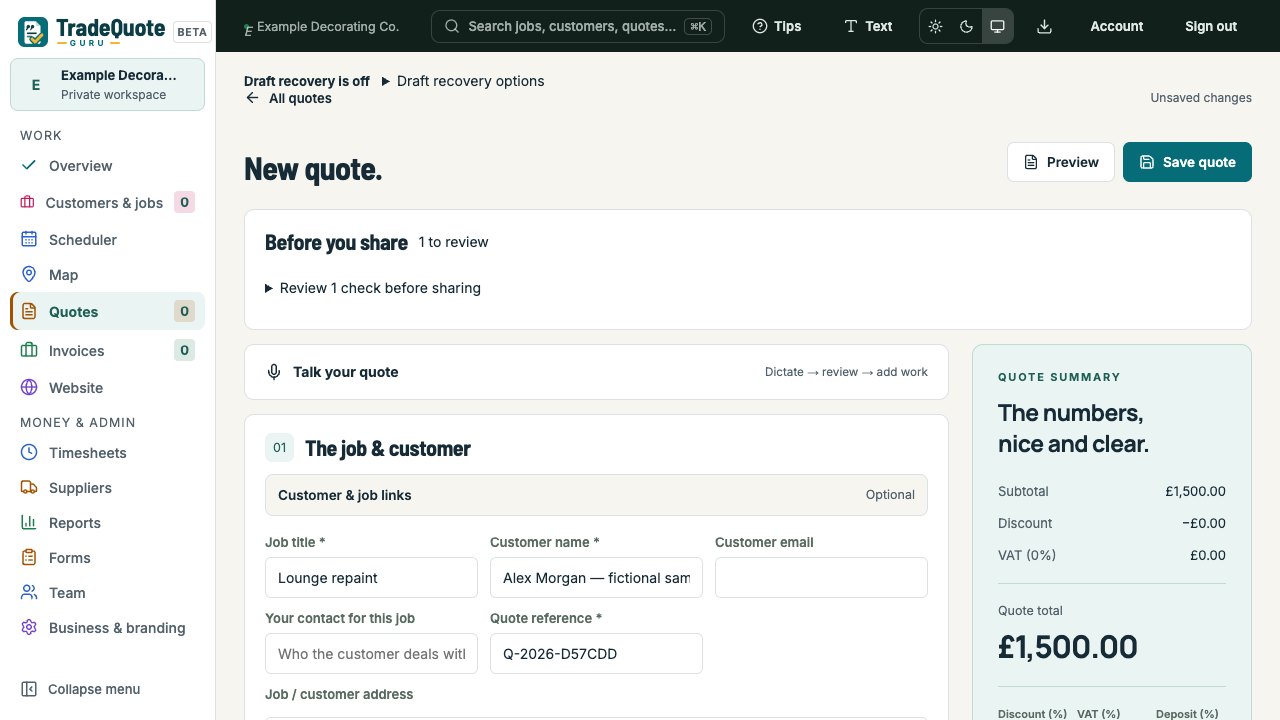
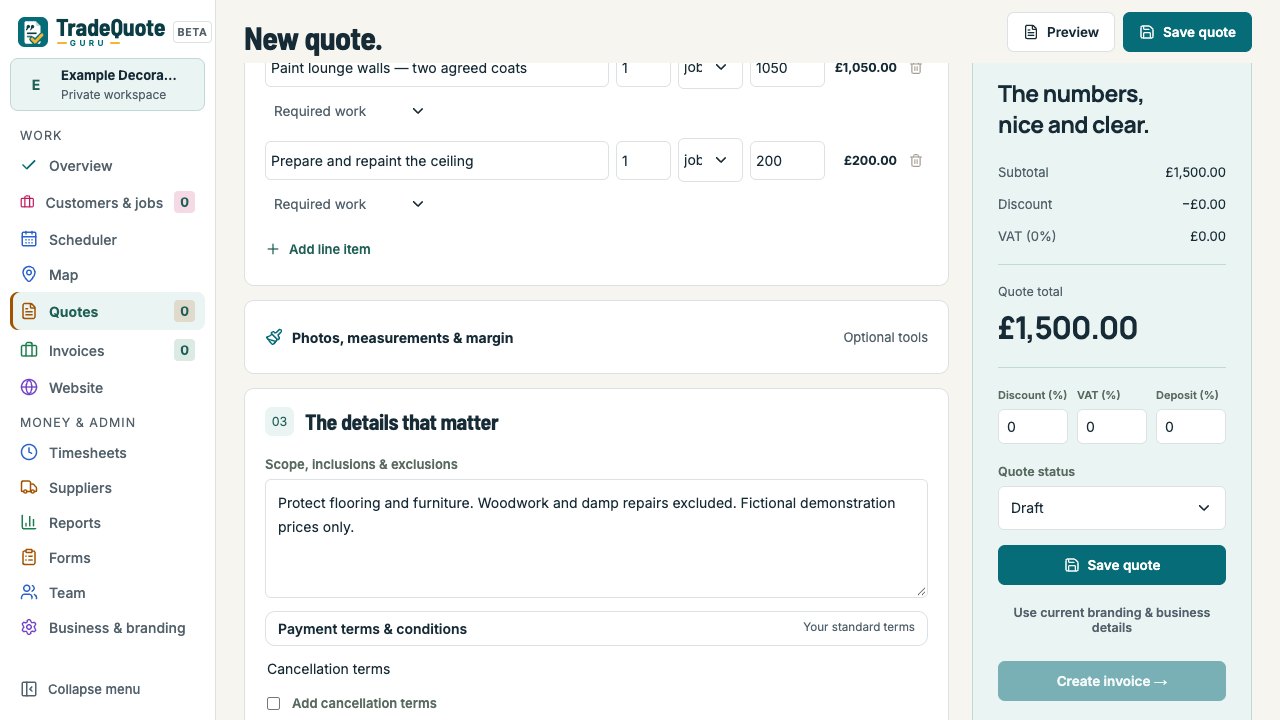
The pre-send check in TradeQuote, using fictional data.

2. Talk it through from the stepladder

Stood on the steps with a door on the trestles, talk the next house through: openings, linings, skirting runs. Ninety seconds of talking does it, or four photos of the landing. The AI writes it up as draft lines, then hands the pricing back to you, because it never fills a price in. Your subscription covers an hour of typed-up voice notes and 100 AI assists each month.

There are templates for hanging internal doors and for fitted storage. A job runs in the order you'd work it on a plot: protect floors and finishes, measure and confirm on site, fit and adjust, fit ironmongery and trims, then clean up and hand over.

3. Let the check read the quote back

Carpenters forget the skip more than anything else, so before sending, TradeQuote checks you've put waste removal or skip hire on. Offcuts and door packaging soon fill a van.

Price a door hang far from your usual figure and it's flagged. It wants the scope spelled out too, including who's supplying the doors and whether making good is yours. Missing payment terms, a blank plot address, any line at £0, and a margin under target (once you've typed in your costs) all get picked up.

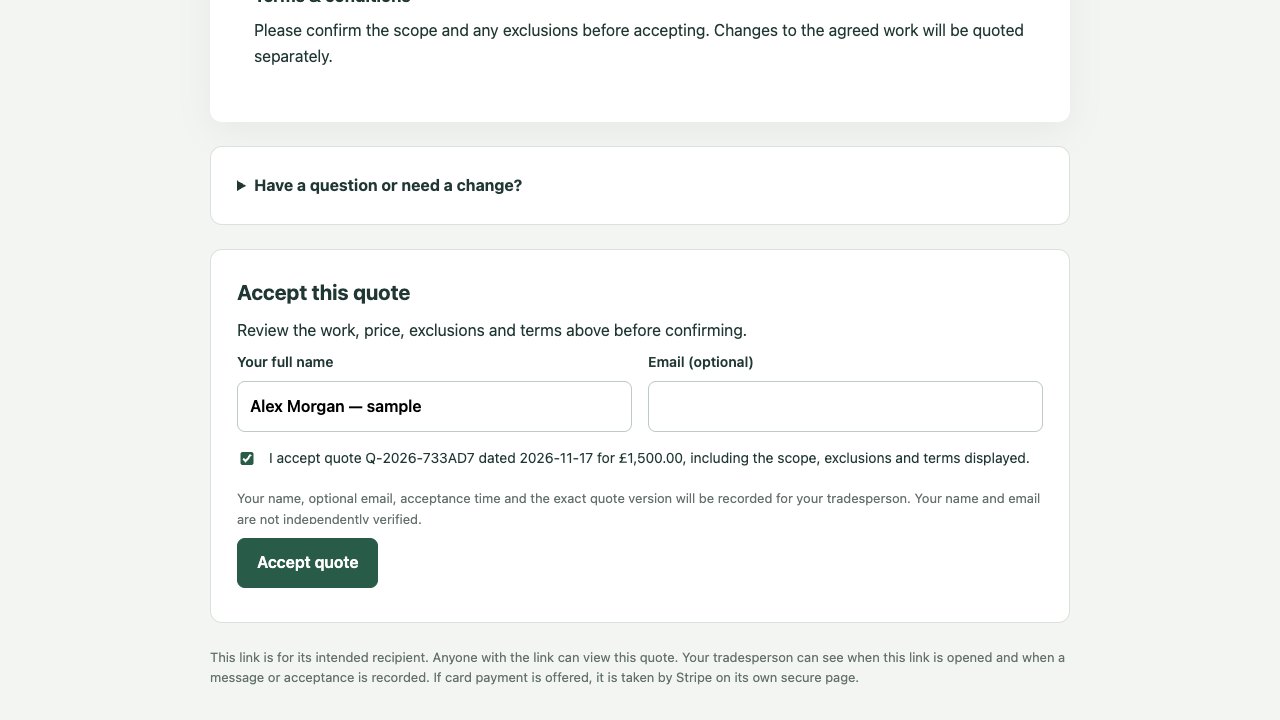
A fictional customer quote page with options to choose.

4. Send options and get a date booked

Put oak veneer doors on the quote as one option and white primed as another, and the customer picks. The site manager or homeowner gets a link (WhatsApp, text or email) and says yes with a single tap. Then they pick a start date on a day you're not booked, and it's in your diary.

Terms for cancelling, including the statutory 14-day cooling-off right, get agreed before the first lining goes in, and you can pull any link back. Your timber merchant gets the materials list: doors, linings, architrave lengths.

5. Invoice first fix, then second fix

Tap the accepted quote once and it becomes an invoice. On plot work, first fix and second fix go out as separate stage invoices with retention held. Fitted wardrobes? Take a deposit for the sheet materials first, or part payments on a long run. On a site under CIS, the deduction prints on each invoice, with a running tally of what's been taken off you.

As a carpenter invoice app it lets a door set carry 20% VAT while another line sits at 5% or zero, all under your own logo. A householder paying for the doors by card pays into your Stripe; Stripe's ordinary fee applies, and that's the only one. The invoice shows the money as soon as the card payment comes through, and refunds get logged.

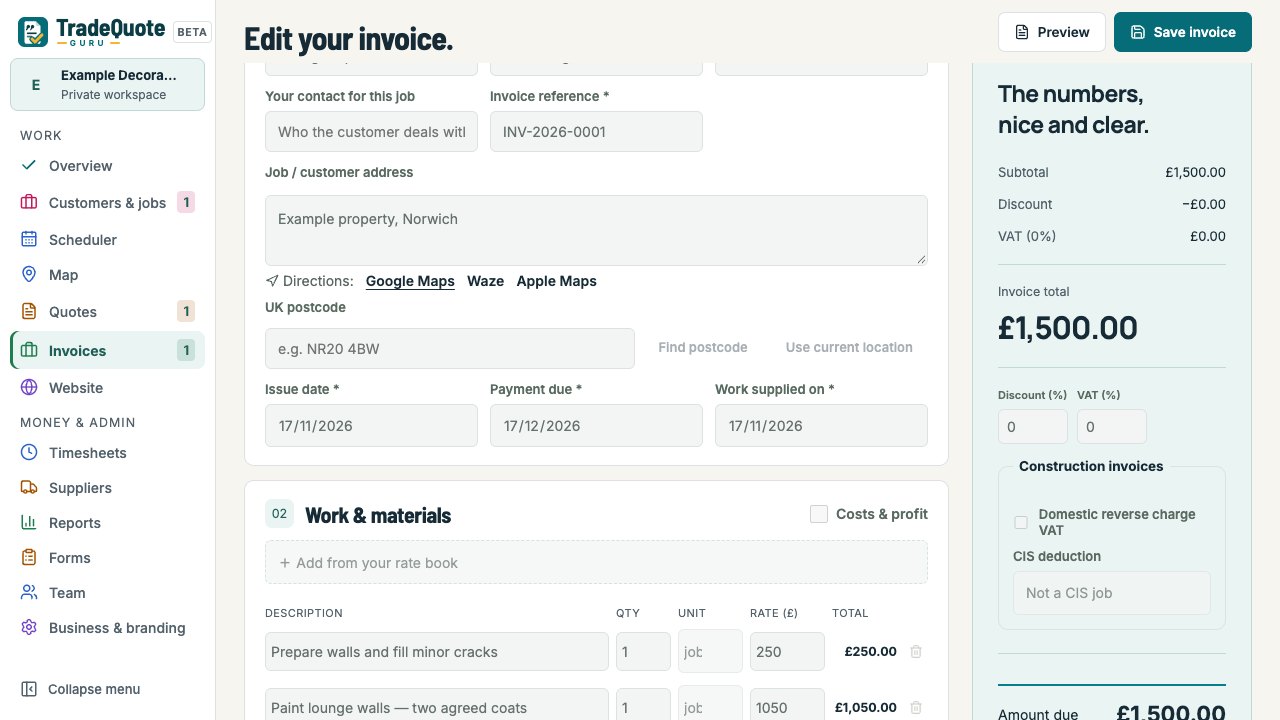
A fictional TradeQuote invoice with payment history.

6. Leave the chasing and the books alone

Chasers for unpaid invoices only go once you've said yes, on weekdays, and they stop the second you're paid. Follow-ups for quotes that went quiet stay off until you choose to use them, each approved by you. Bookings arrive in the diary without you typing them.

Xero gets each bill, payment and credit note drafted for you to check, or Sage is synced, VAT separated. With QuickBooks and FreeAgent you get a CSV file. Give a job you'll revisit a due date and you'll be reminded, customer message written.

7. Use joinery quoting software at a flat price

One joinery business, one login: £199 for twelve months or £19.99 per month. Quotes, invoices and customers never run short, and jobs aren't capped. Open a job, quote it, book it, bill it, log the payment: 24 taps on a phone, by our count.

Phone in your apron, tablet on the bench, laptop at home; it installs through your browser. It isn't on Google Play or the App Store yet. Moving over from Tradify or Traddie? Pull the customer list across as a CSV, look through the preview, and keep what's imported or undo it.

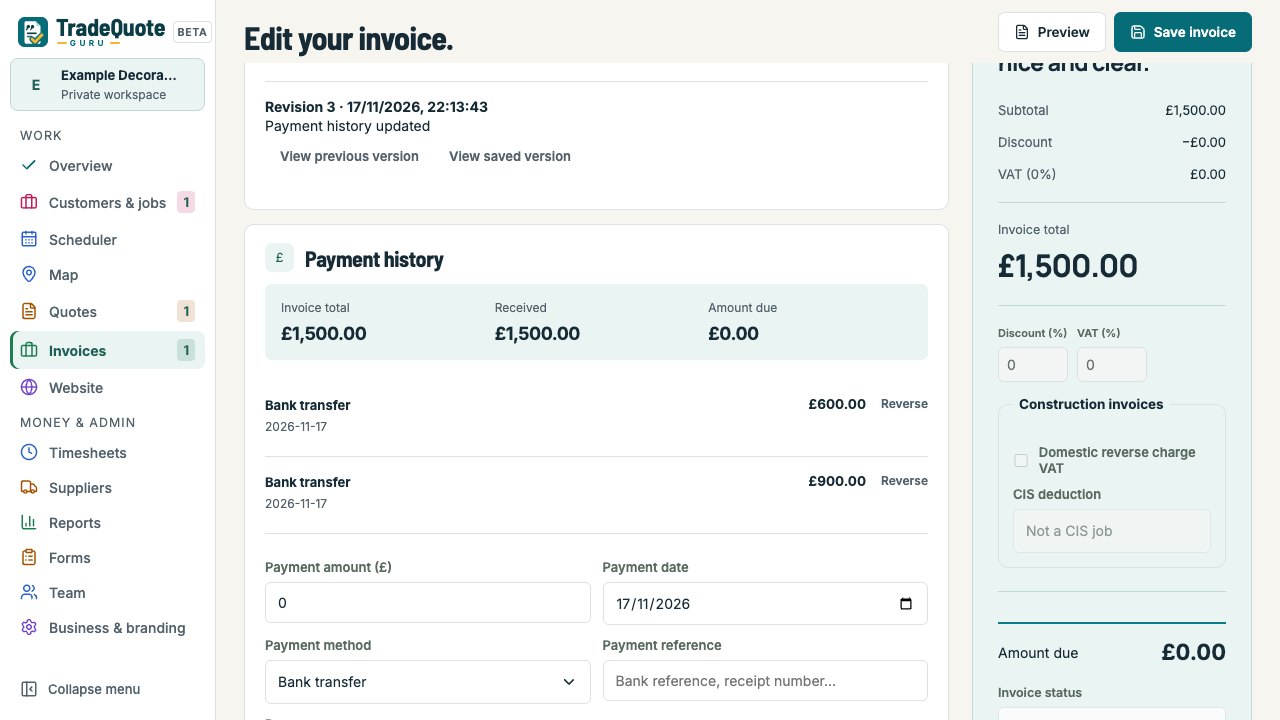
A fictional invoice in TradeQuote showing recorded payments.

From the joinery bench

How much should a carpenter charge to hang a door?

TradeQuote won't tell you, and the AI never sets prices. Hanging an internal door sits in the rate book at £0 until you price it, and from then on a new quote far off your past figures gets questioned.

Can joinery quoting software split first fix and second fix?

TradeQuote can. Use the first fix and second fix day rates in the rate book, then invoice each as its own stage, with retention if the contract holds some back.

Is there a carpentry quote app that works with no signal on site?

TradeQuote carries on without a connection, so the next plot can be priced before the broadband's even in.

Can I bring my customers over from Tradify?

Yes. Take a CSV out of Tradify, bring it in, look through the preview, and keep or reverse it. Traddie works the same way.

Price the next plot before you hang door five

No card details and no charge for 30 days. Curious first? The guided demo at /demo prices a fictional job without a sign-up.