For solar PV and battery storage installers

Solar and Battery Installers: Work Out the kWp, Price It, Bill It, Get the MCS and DNO Paperwork Off the Pile, While Reminders, Diary Bookings and the Books Tick Over

Solar installer quoting software has to keep up with a survey: you on the drive, squinting up at a south-facing roof, then in the garage, where the fuse board is on the wall above the chest freezer and the meter tails look short. That survey is where the quote gets built.

From those notes TradeQuote builds the quote for you to price, sends it, invoices the deposit and the balance, and keeps the reminders, diary and books running without you.

30 days free · No card needed

From panel count to kWp, on the driveway

Enter the panel count and wattage and the solar calculator works out the system size in kWp. The count calculator handles rails, clamps and panels. It sizes the system. It doesn't forecast generation, savings or payback, and TradeQuote never puts those figures on your quote.

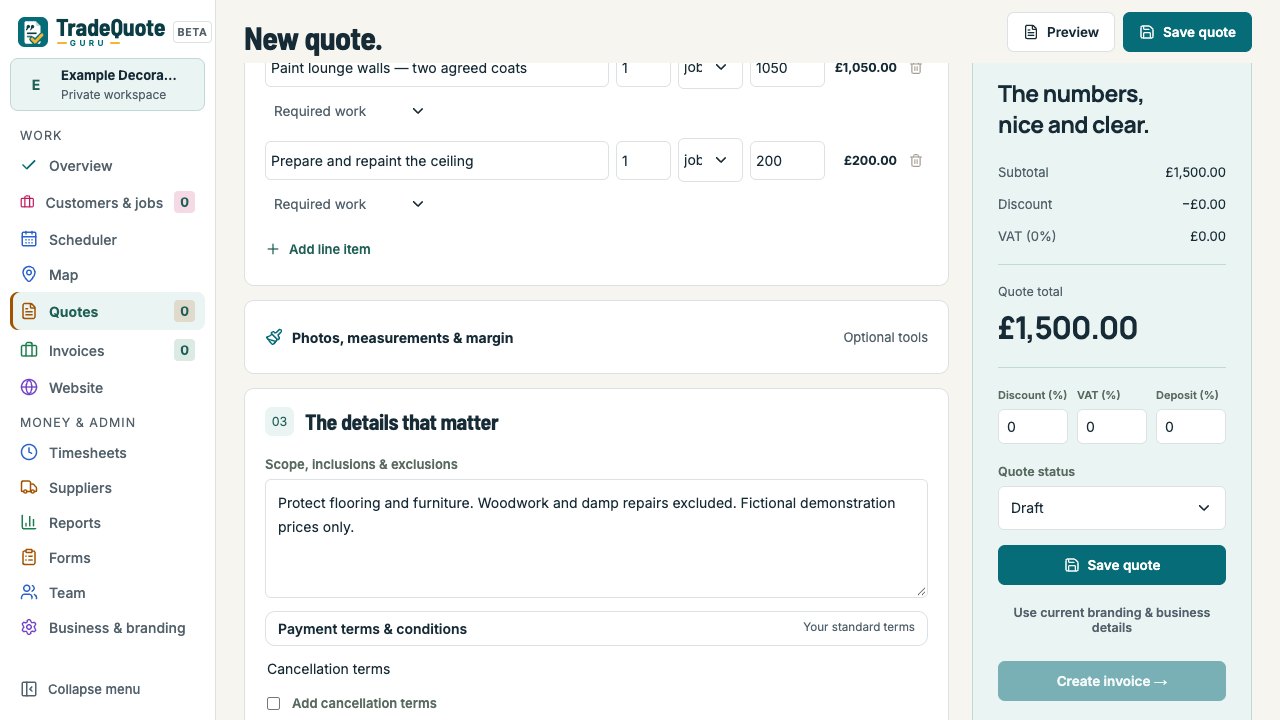
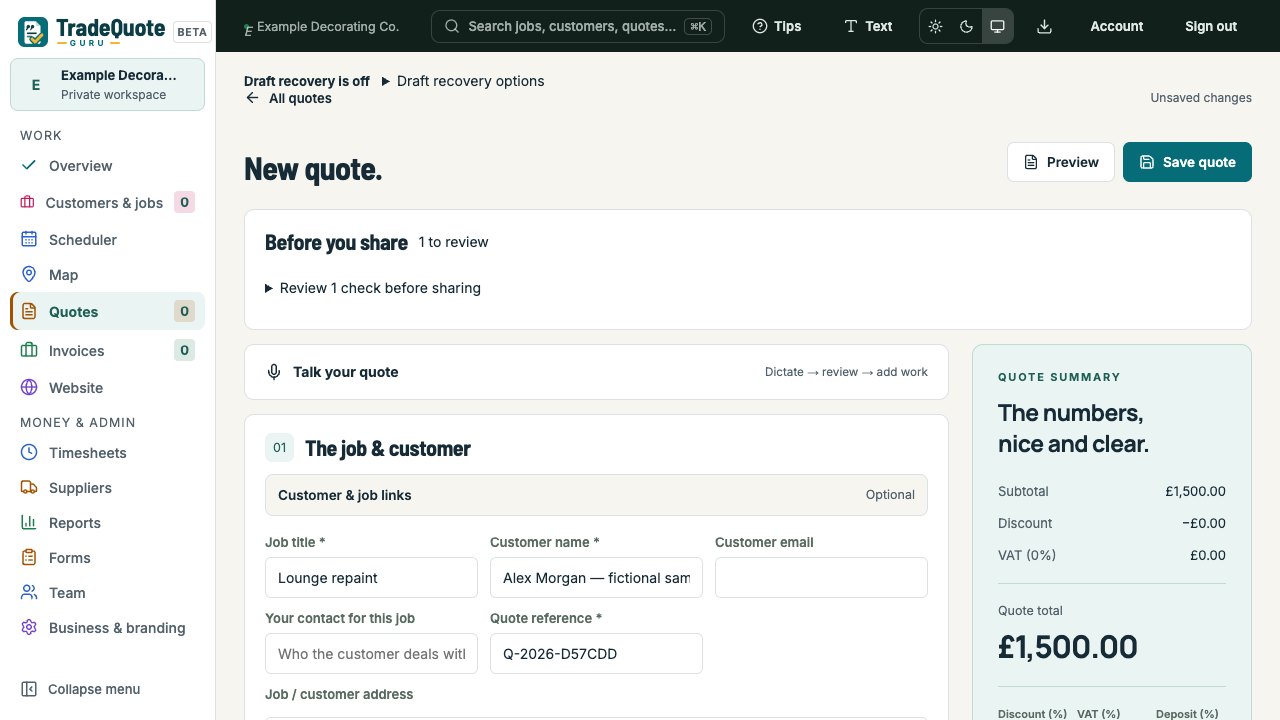
The pre-send check in TradeQuote, using fictional data.

Your rate book, in solar units

Solar panel, inverter and battery are priced each. Scaffold is an allowance, installation is in days, and there's a materials allowance. Solar installer quoting software is only as good as its rates, so every rate starts at zero and the numbers are yours.

Start from the Solar PV system or Battery storage template. The job steps are set out: scaffold and safe access, mount rails and panels, install the inverter and battery, commission and test, then handover and app set-up with the customer.

Solar installer quoting software that listens to your survey

Narrate the survey, ninety seconds maximum, or photograph the roof pitch, the loft timbers and the consumer unit, four frames in all. The AI writes up panels, rails and inverter as draft lines; what they cost is your call. Survey narration comes out of your monthly 60 transcription minutes, and drafting out of 100 AI assists.

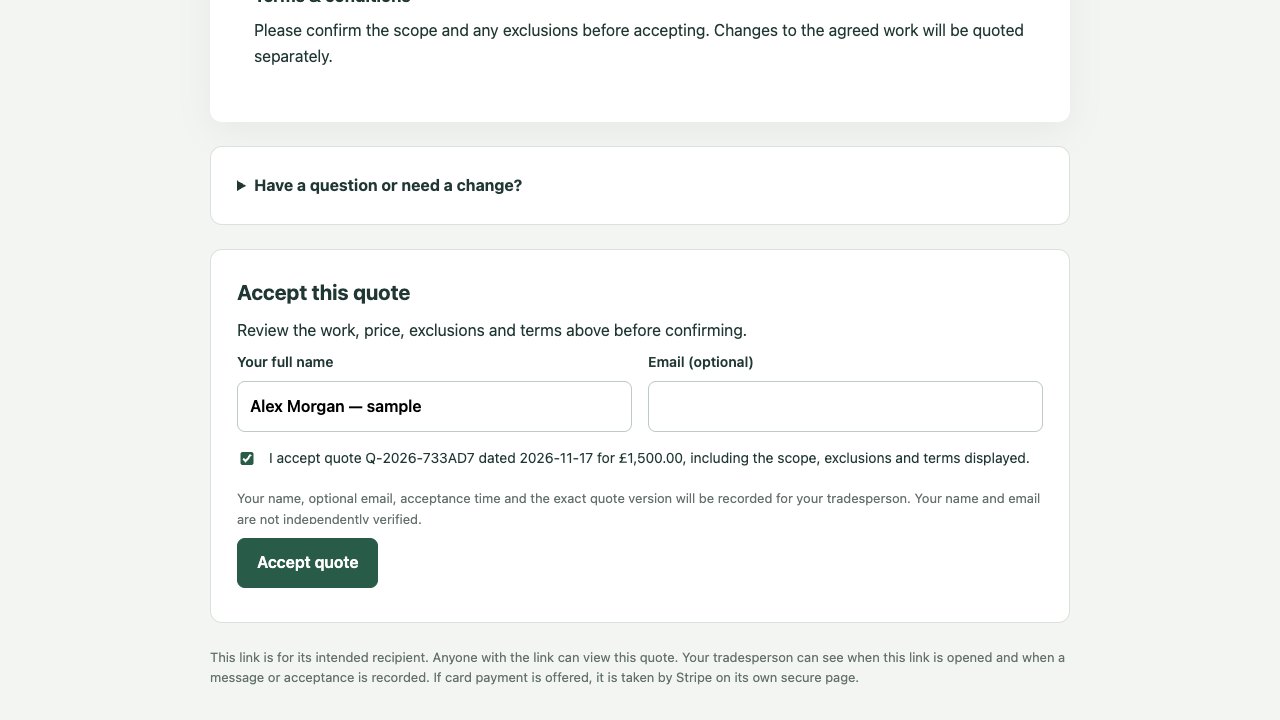
A fictional customer quote page with options to choose.

Scaffold, and the other things a check looks for

Before sending, TradeQuote asks whether access equipment is on the quote. Scaffold left off a solar job is a cost you carry yourself. It also flags:

  • An inverter priced at a fraction of what you normally charge
  • Cable routes, or who's notifying the DNO, missing from the scope
  • No payment terms, no installation address
  • Zero-priced lines
  • Margin under your target once panel and battery costs are entered

A solar and battery quote app with options

Put panels only and panels with a battery on the same quote. From a WhatsApp, text or email link, the homeowner picks panels-only or panels-plus-battery, accepts on their phone, and chooses an install date among your open days. It goes into the diary, ready to book the scaffold against.

Cancellation terms are agreed before acceptance, with the 14 days a homeowner has to cancel written in. You can revoke the link. Panels, rails, inverter, battery and isolators then make up the wholesaler's materials list.

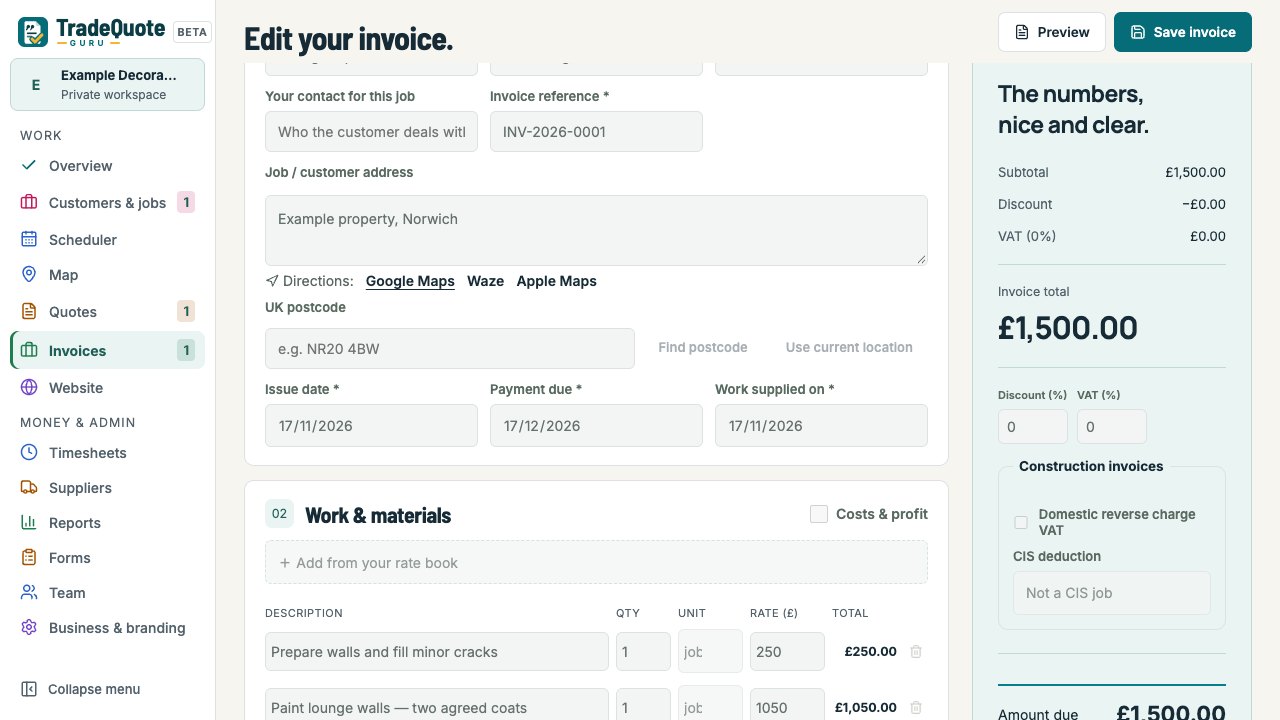
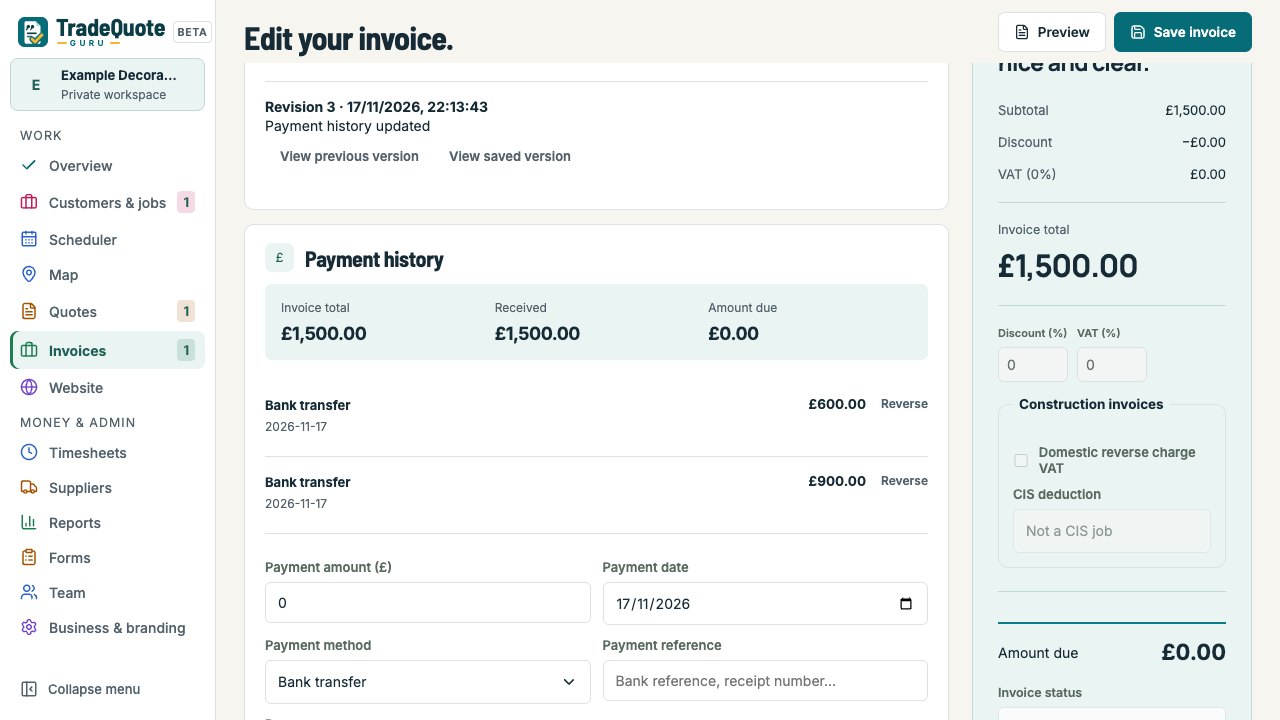
A fictional TradeQuote invoice with payment history.

The MCS and DNO pile, kept as a checklist

Each install has a paperwork checklist: MCS certificate issued, DNO notification (G98 or G99) submitted, Electrical Installation Certificate issued, and a handover pack of warranties and system documents. TradeQuote doesn't issue certificates or submit DNO applications. It keeps the list so nothing is left hanging after the scaffold comes down.

Solar PV installer software UK firms can invoice from

Take a deposit before the panels are ordered and the scaffold's booked; after commissioning, the accepted quote becomes the balance invoice with one tap. Part payments are recorded. Subcontracting on a housing scheme? Retention is held on each stage invoice, CIS is shown, and a report sums up the CIS deducted from you. Panels, battery and fitting labour sit on separate lines, and each one can have a different VAT rate beneath your logo.

Homeowners paying the install by card pay into your Stripe account; Stripe charges its fee, TradeQuote charges none. Once paid, the invoice shows it without you touching it. Refunds are tracked.

A fictional invoice in TradeQuote showing recorded payments.

Running in the background

Weekday payment reminders start after you approve them and end when the homeowner pays. Solar customers often take weeks to decide, so optional quote follow-ups help; each only goes once you've switched them on and approved it. Agreed a return visit to check the system? Date it, and TradeQuote reminds you nearer the time with words for the homeowner prepared.

Xero receives install invoices, deposits and credit notes in draft, VAT split, for you to approve. Sage stays in sync; QuickBooks and FreeAgent users get a CSV file instead. Installed from the browser onto a phone, tablet or laptop, it keeps working on a roof with no reception. Neither app store lists TradeQuote yet. On a phone, the whole run from new job to payment logged was 24 taps.

A solar business with one user is billed £19.99 monthly; paying yearly makes it £199. There's no cap on quotes, invoices or customers. Switching from Tradify or Traddie, upload your customers as a CSV and preview it before deciding to keep or undo.

Questions from solar installers

Can I quote a battery retrofit on an existing solar system?

Yes. Use the Battery storage template, price the battery and inverter at your own rates, and add the steps you need.

Will the quote show predicted generation or savings?

No. The calculator works out system size in kWp only. TradeQuote doesn't estimate generation, savings, payback or export income.

Does TradeQuote submit G98 or G99 notifications?

No. The G98 or G99 item is on each install's checklist, so you can tick it once submitted. You submit it as you normally would.

How much is solar installer quoting software for a small firm?

TradeQuote costs one installer £19.99 monthly, every feature included. Your trial runs 30 days, card-free.

Turn your next survey into a quote on the drive

Your first 30 days on TradeQuote are free, card not asked for. Or watch a made-up solar install go through the guided demo.